Budgets
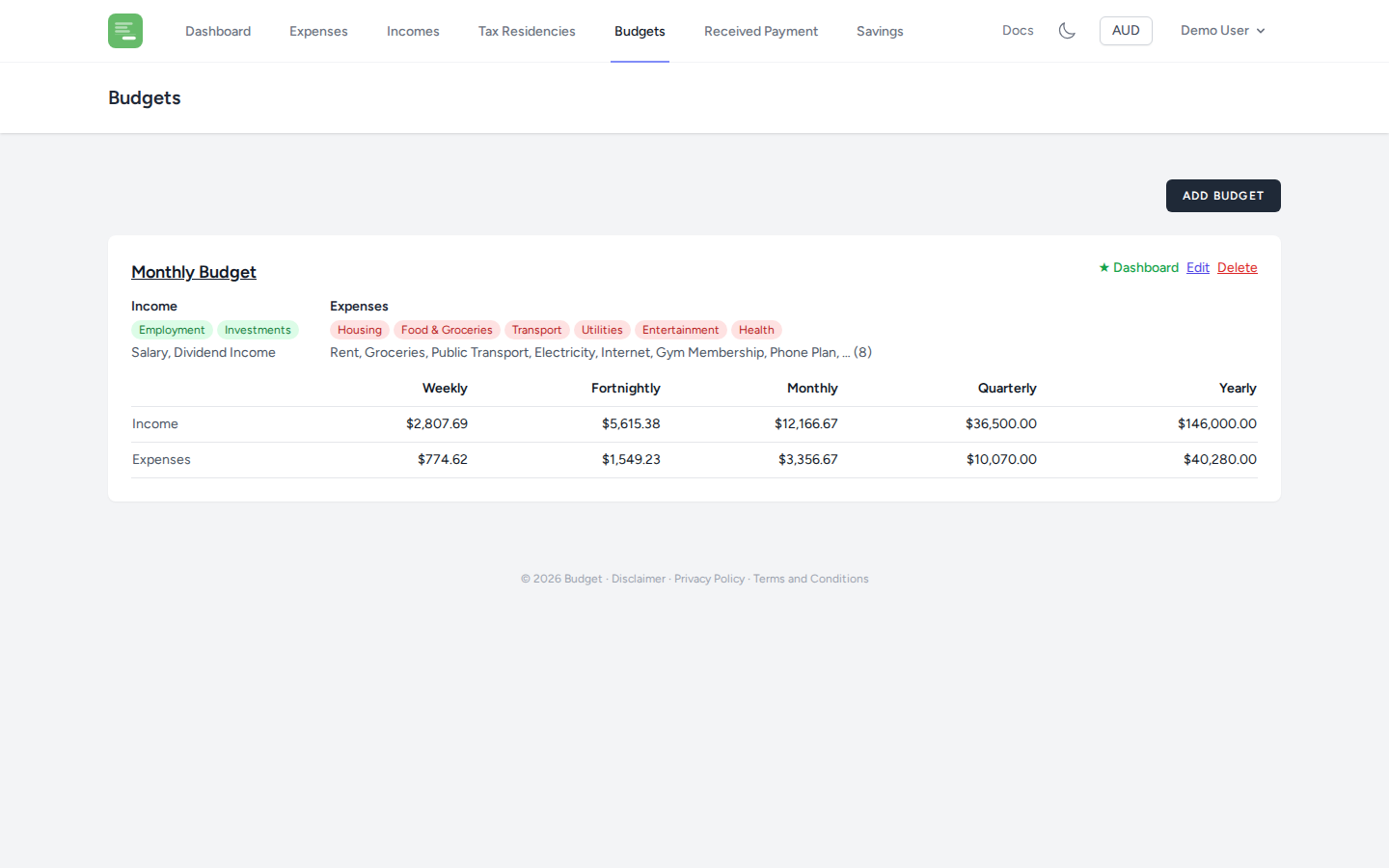
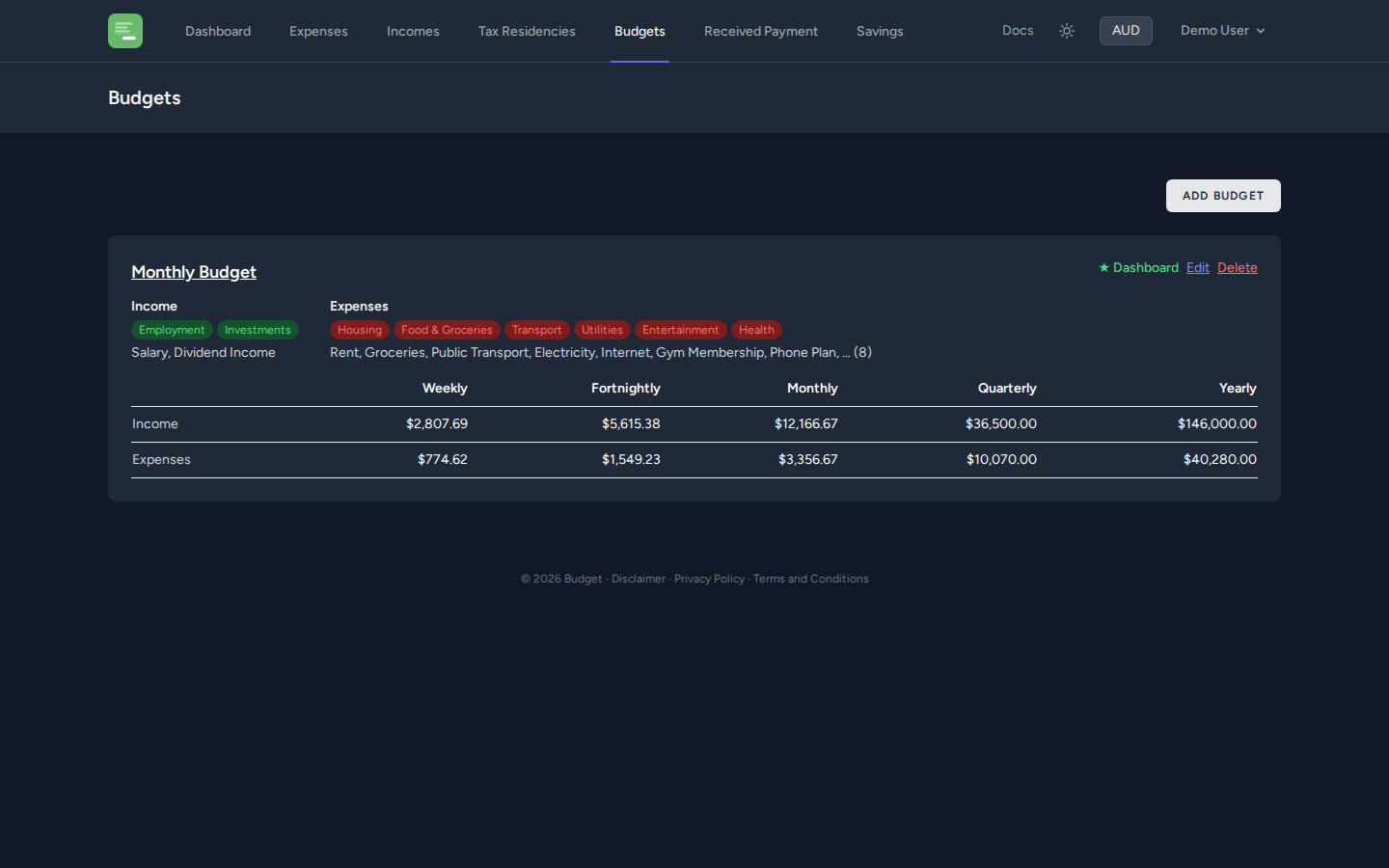
A budget is a named view that groups labeled expenses and incomes together. You can have multiple budgets — for example, one for your main living expenses and another for a business or investment scenario.
Creating a budget
Click Add Budget on the budgets page. You'll set:
- Name — a label for this budget
- Expense labels — which expense labels to include
- Income labels — which income labels to include
- Tax override (optional) — override the default tax calculation for this budget
How budgets use labels
A budget doesn't contain items directly — it contains labels. Any expense or income assigned to one of those labels is automatically included in the budget. This means:
- Adding a new expense with the Housing label automatically adds it to every budget that includes Housing
- The same expense can appear in multiple budgets
- Removing a label from a budget removes all its items from that budget's calculations
Tax overrides
By default the dashboard calculates tax using your configured Tax Residencies. You can override this on a per-budget basis:
Percentage override
Sets tax as a fixed percentage of total income. Useful when you want a simple model (e.g. "assume 30% tax").
Fixed amount override
Sets tax as a fixed amount at a given frequency and currency (e.g. $25,000/year). The amount is converted to your display currency.
When a tax override is set, the residency-based calculation is replaced entirely for that budget.
Budget detail page
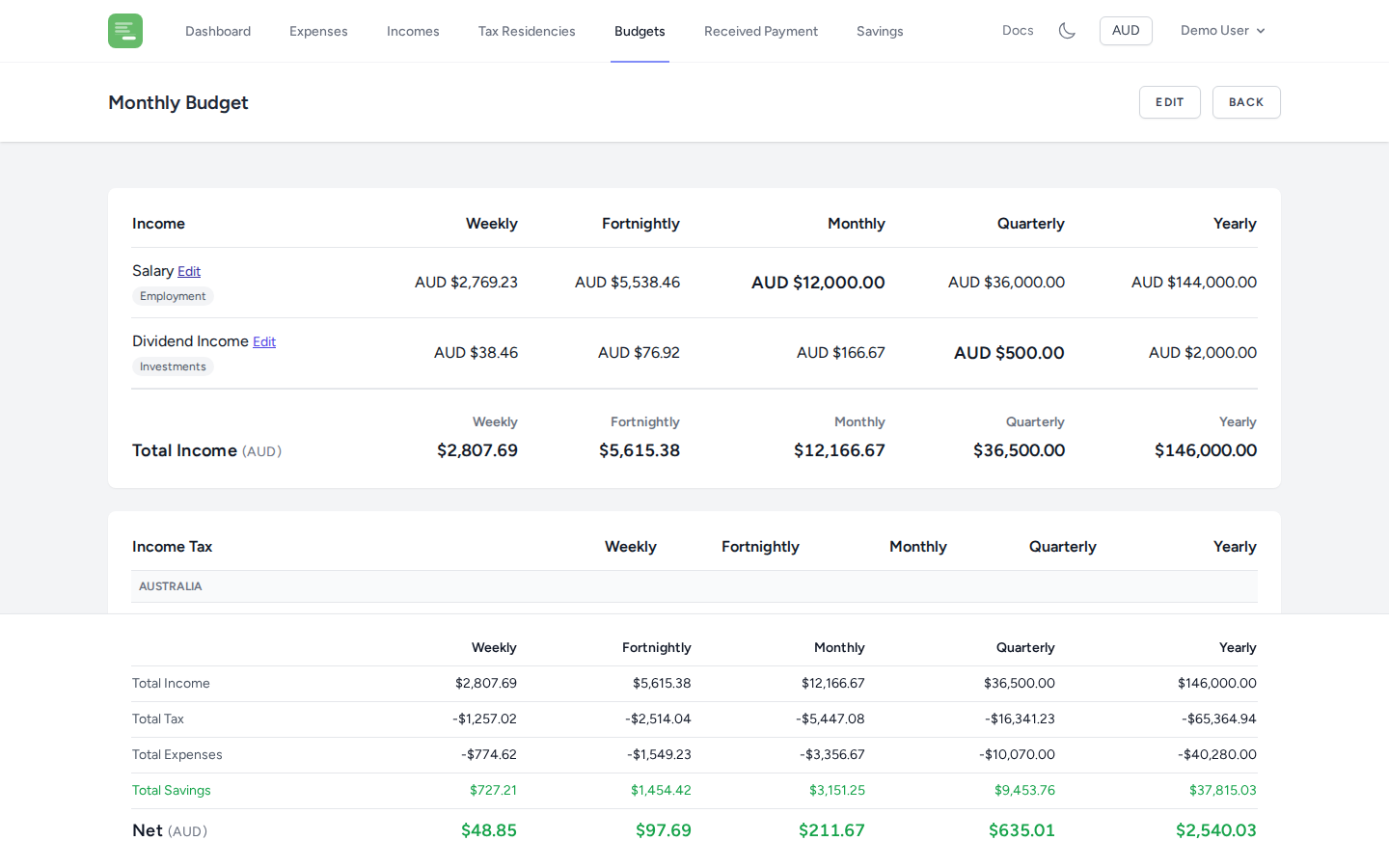
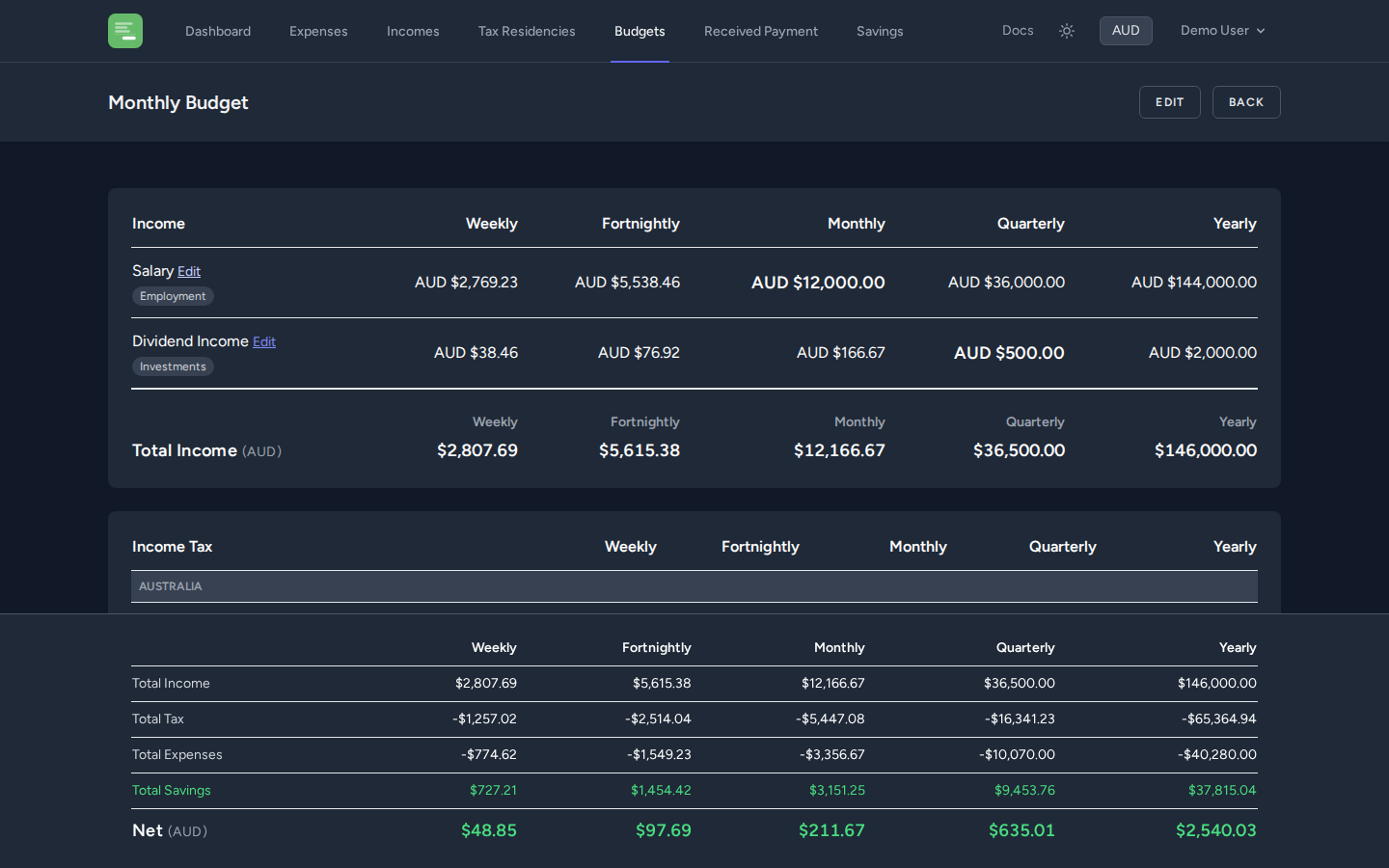
Click a budget's name to open the detail page.
Savings plans
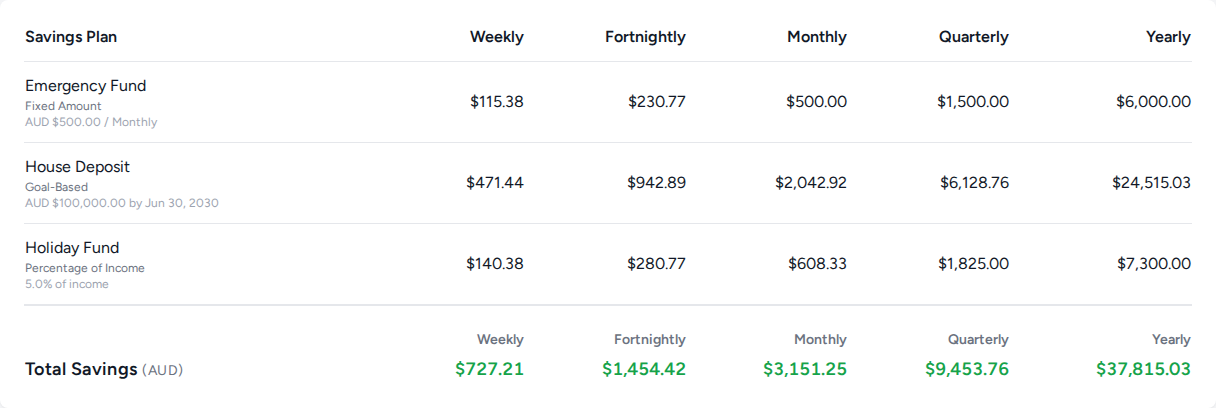
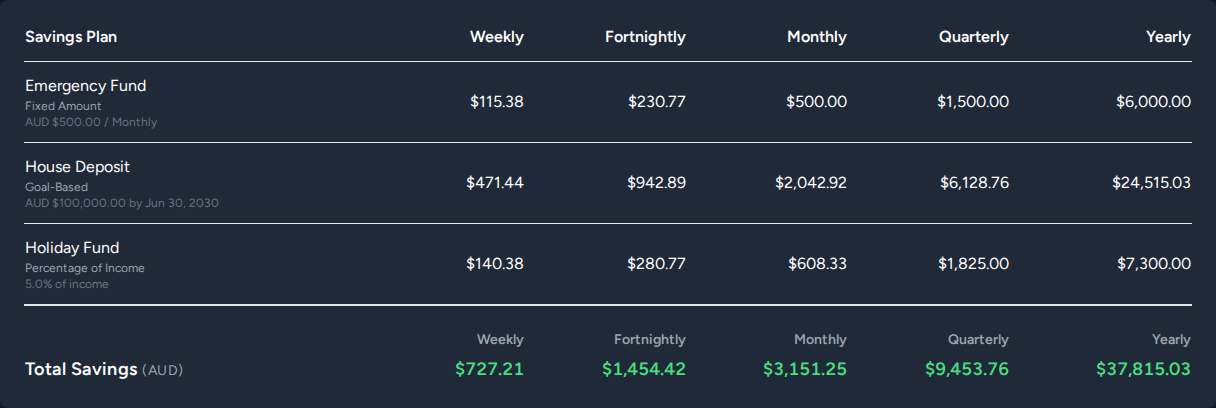
From the detail page you can create and manage savings plans for this budget. See Savings Plans for full details on strategies.
Linking expenses to savings plans
Each expense label in a budget can be linked to a savings plan. This marks those expenses as "covered by savings" in the Received Payment calculator, indicating they'll be paid from savings rather than from the incoming payment.
Setting the dashboard default
On the budgets list, click Set as default next to any budget to make it the one shown by default on the dashboard.
Deleting a budget
Deleting a budget removes the budget and its savings plans. It does not delete the underlying expenses, incomes, or labels — those remain and can be used in other budgets.