Received Payment
Each time you get paid, use this page as your banking checklist. Enter the payment, work through the breakdown, and check off each transfer as you make it — savings contributions to move, bills to cover, and what's left over to keep. It turns your budget into an actionable to-do list for every pay cycle.
The calculator answers: "I just received $X — after tax, expenses, and savings, what do I actually have left?"
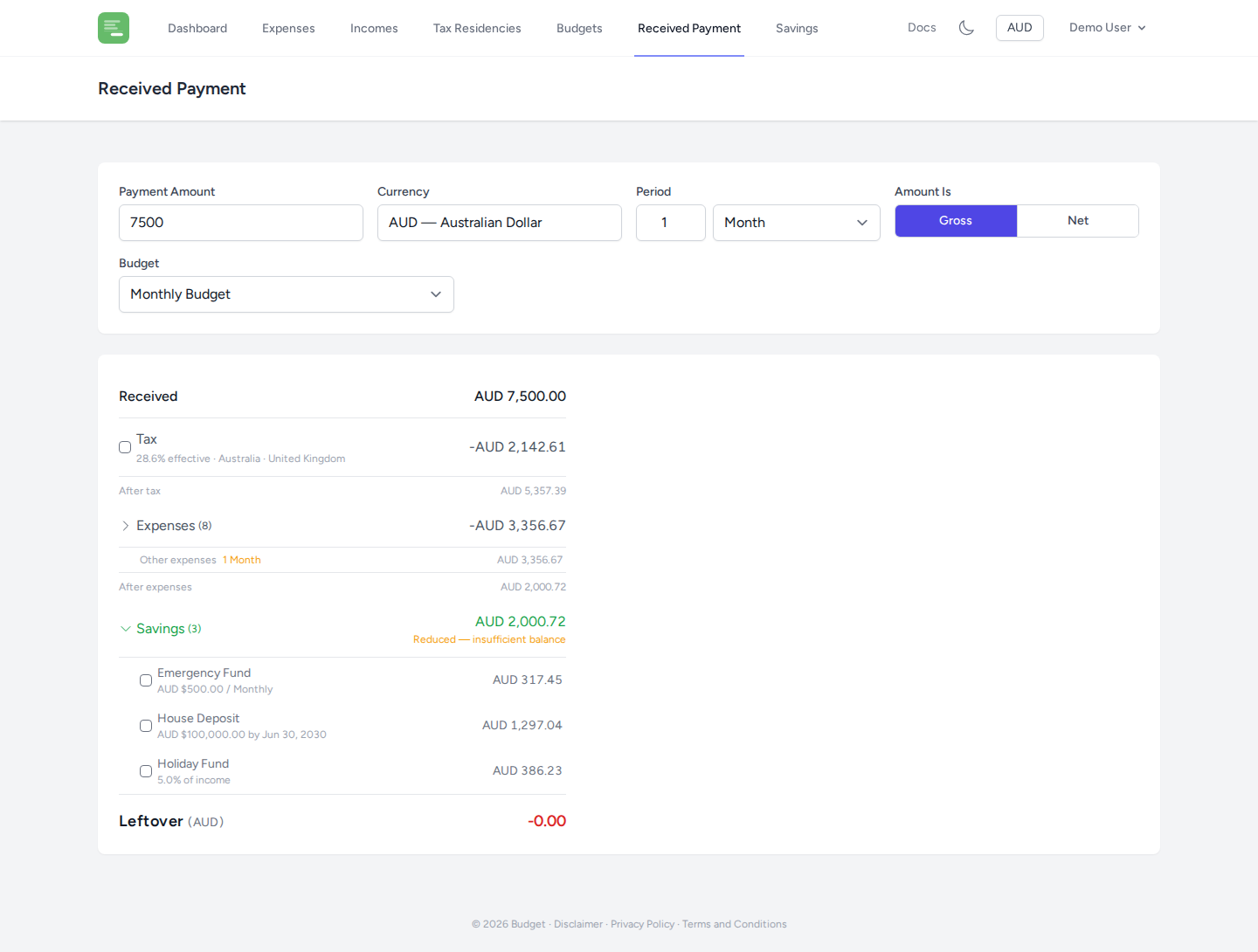
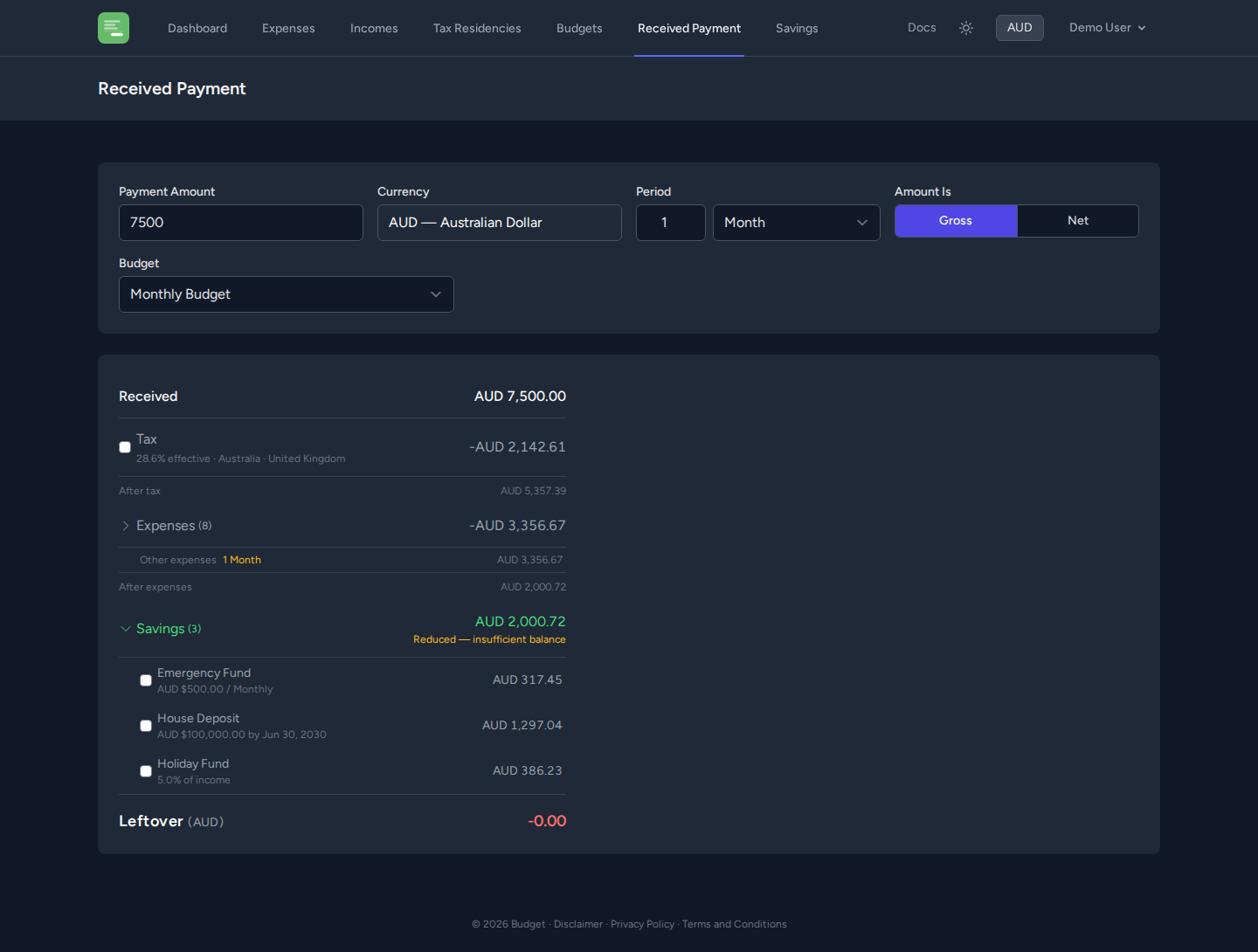
Setting up the calculation
Payment details
- Amount — the payment you received
- Currency — the currency of the payment (recent currencies are shown for quick selection)
- Period — the time period this payment represents (e.g. 1 month or 2 weeks)
- Gross / Net toggle — whether the amount is before tax (gross) or after tax (net)
Budget selection
Select which budget to use for the expense and savings breakdown. The calculator uses the labels and savings plans from that budget.
Reading the breakdown
The breakdown card updates in real time as you change inputs.
Tax
If you selected Gross, the calculator deducts estimated tax based on your Tax Residencies or the budget's tax override. The effective tax rate is shown.
If you selected Net, no tax deduction is made — the amount is treated as already after-tax.
Expenses
All expense labels from the budget are shown, with each label's items listed underneath.
Fixed vs scaled expenses
- By default, items are scaled to the period you entered. If you received 1 month of pay, monthly expenses are shown at their monthly amount.
- Click the lock icon next to an expense or label to mark it as Fixed — its amount won't scale with the period. Useful for one-time expenses or bills that are the same regardless of the period length.
- Click the checkbox next to any item or label to exclude it from the calculation (strike it through). Useful for expenses you know won't apply to this payment.
Covered by savings
Expenses linked to a savings plan (via the budget's label–savings mapping) are shown in a separate Covered by Savings section. These are not deducted from your received payment since they are expected to be paid from savings.
After expenses
The subtotal after deducting all included expenses from the after-tax amount.
Savings
All savings plans for the budget are listed, each showing the contribution for the period. Toggle any plan's checkbox to exclude it from the calculation.
If the remaining balance would be insufficient to cover all savings contributions, contributions are automatically reduced (capped) and a warning is shown.
Leftover
The final remainder — what's left after tax, expenses, and savings. This is your available spending money for the period.
Remembering your settings
The calculator remembers your last-used currency, period, budget, and fixed/excluded toggles between sessions so you don't have to re-enter them each time.