Tax Residencies
The tax residency feature provides reference tax bracket data to help you model your tax situation across one or more countries. This is a planning and estimation tool — not tax advice.
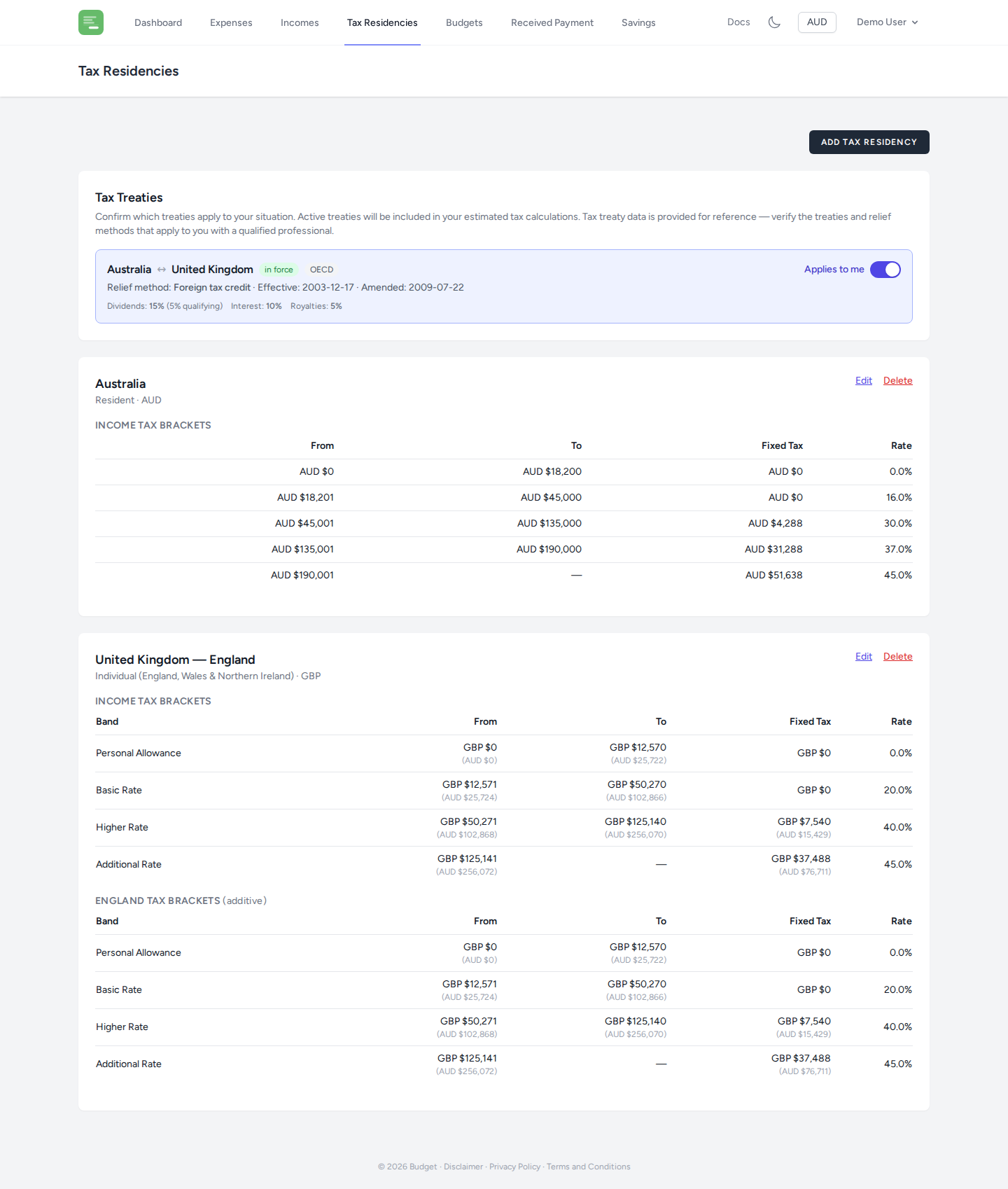
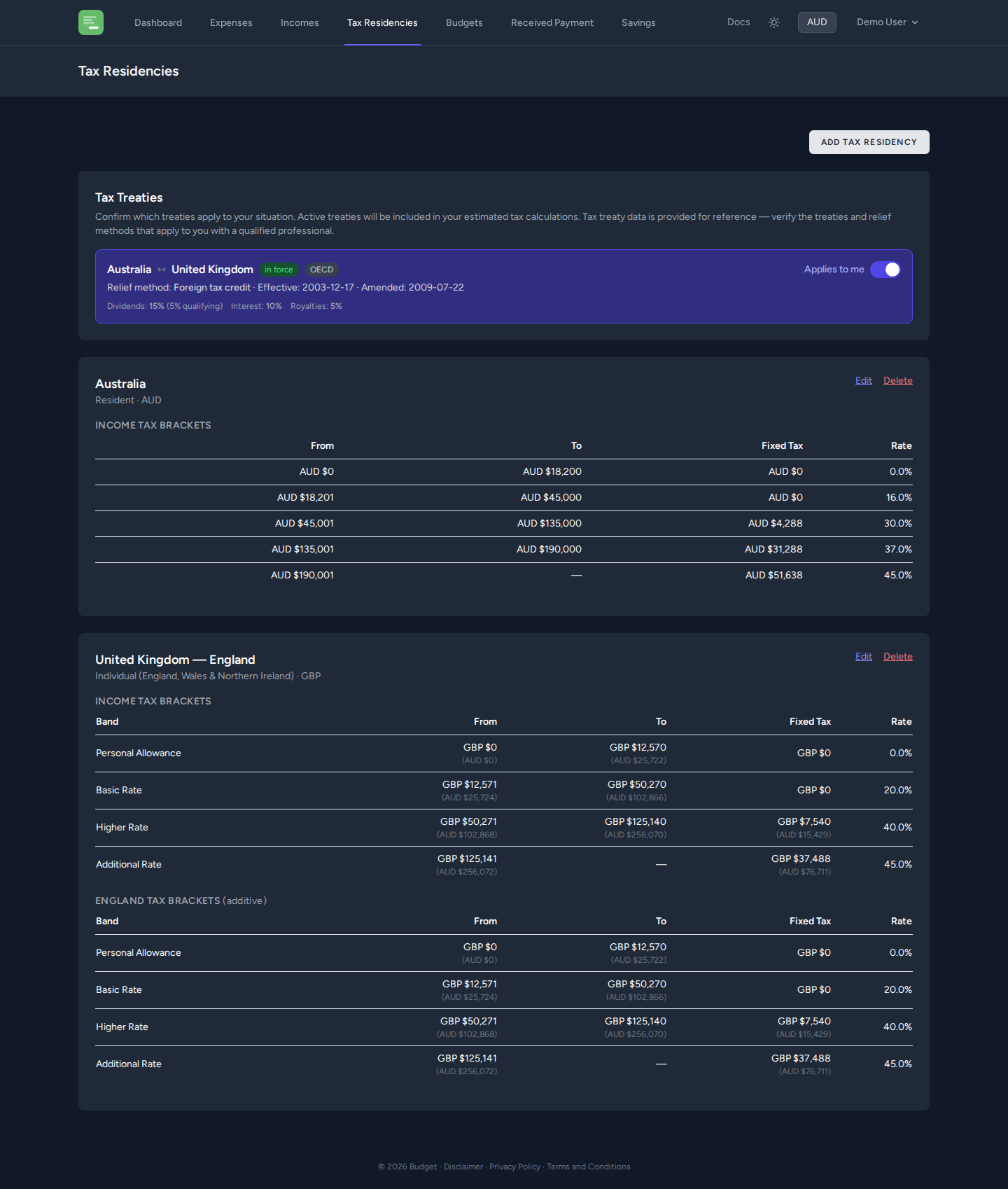
Adding a tax residency
Click Add Tax Residency and select:
- Country — the country you are a tax resident of
- Subdivision (optional) — for countries with state/provincial taxes (e.g. Australian states, US states, Canadian provinces)
- Tax category — your residency status in that country (e.g. Resident, Non-resident, Working Holiday Maker)
After saving, the residency card shows the applicable tax brackets, levies, and any other charges that apply to your category.
Multiple residencies
You can add more than one residency. This is useful if you have tax obligations in more than one country (e.g. a citizen of one country living in another, or someone with income sources in multiple jurisdictions).
When multiple residencies are configured, the dashboard shows the tax breakdown for each residency separately, then combines them.
Levies
Some countries have additional levies beyond income tax (e.g. Medicare Levy in Australia). When adding a residency you can select which levies apply to your situation. These are included in the tax calculation.
Tax treaties
When you have residencies in two countries that have a tax treaty, the treaty is shown in the Tax Treaties section at the bottom of the page.
Each treaty shows:
- Status — In Force, Signed (not yet in force), or Terminated
- Relief method — Credit, Exemption, or Exemption with Progression
- Withholding rates — for dividends, interest, and royalties
Applying a treaty
Toggle the Applies to me switch to mark a treaty as active. When active, the dashboard applies a treaty credit to reduce double taxation.
Treaty information is provided for reference only. Tax treaties are complex legal instruments. Always consult a qualified tax professional to determine what applies to your situation.
How tax is calculated on the dashboard
Tax on the dashboard is calculated against the income items in the selected budget. The calculation uses the tax brackets and rates from your configured residencies, applied to the total annual income.
If you've set a tax override on a budget, that overrides the residency calculation entirely for that budget.